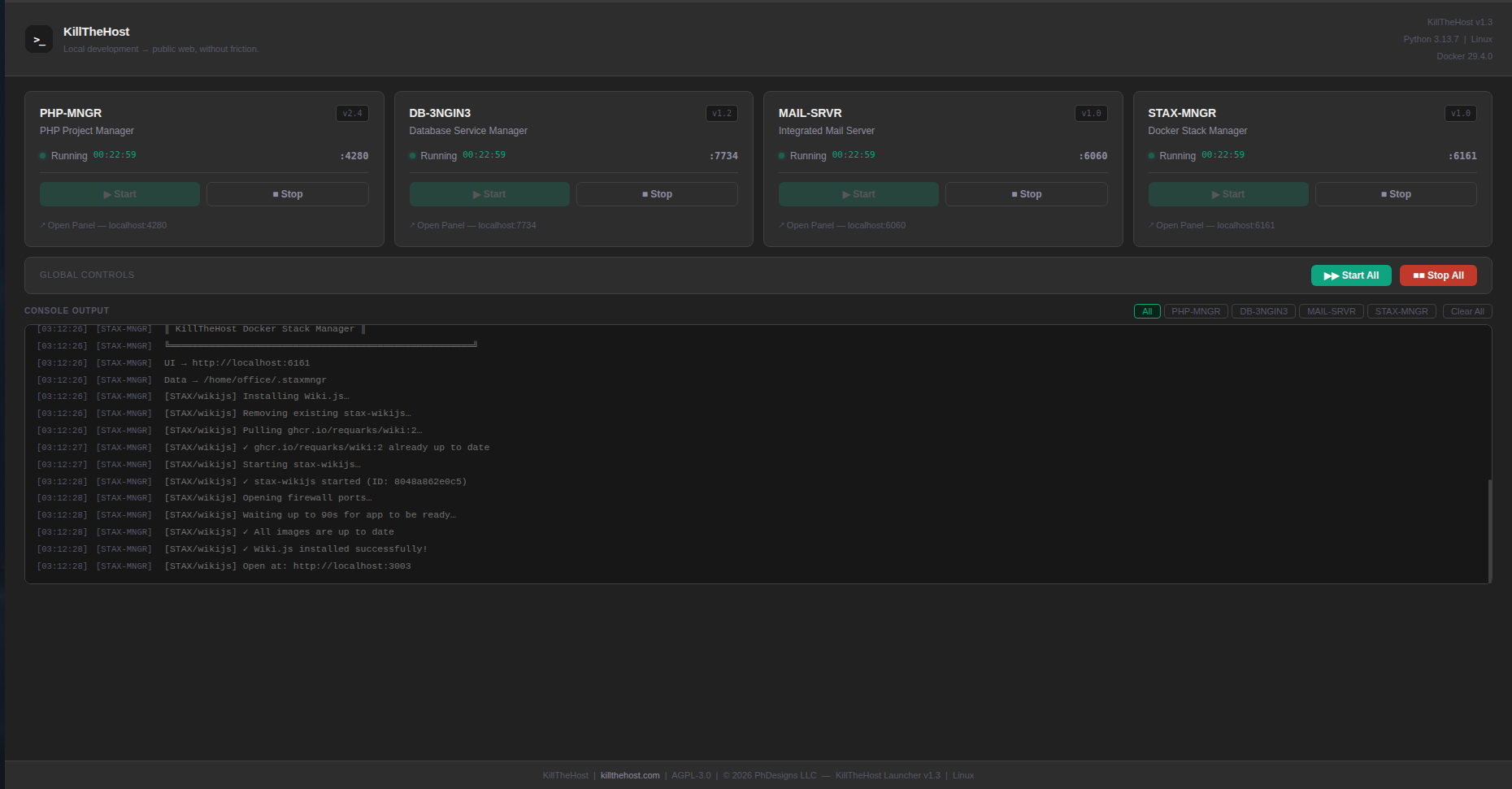
Unified Launcher
One control panelA single browser-based dashboard at localhost:5000 for managing every service, with real-time status monitoring.
- Real-time monitoring
- One-click start / stop
- Browser-based UI
KillTheHost is a unified launcher that wires up Cloudflare tunnels, real domains, PHP, five database engines, a self-hosted mail server, and Docker stacks — so your localhost can ship to production with a single click.
KillTheHost replaces the usual tangle of scripts, Docker files, DNS panels and reverse proxies with one cohesive workflow — built for developers who ship.
A single browser-based dashboard at localhost:5000 for managing every service, with real-time status monitoring.
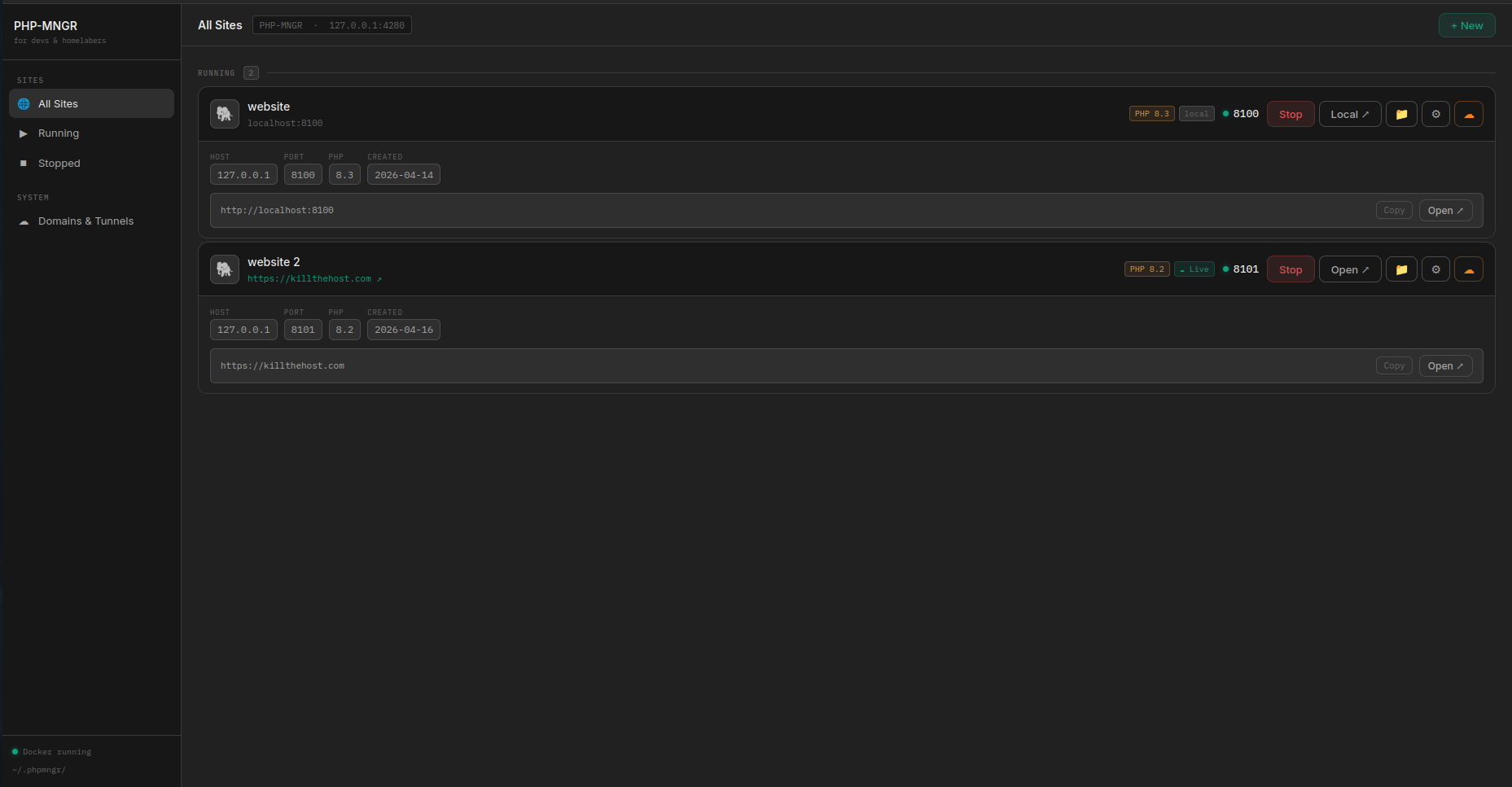
Run multiple PHP versions side-by-side with per-site php.ini configuration and a built-in file editor.
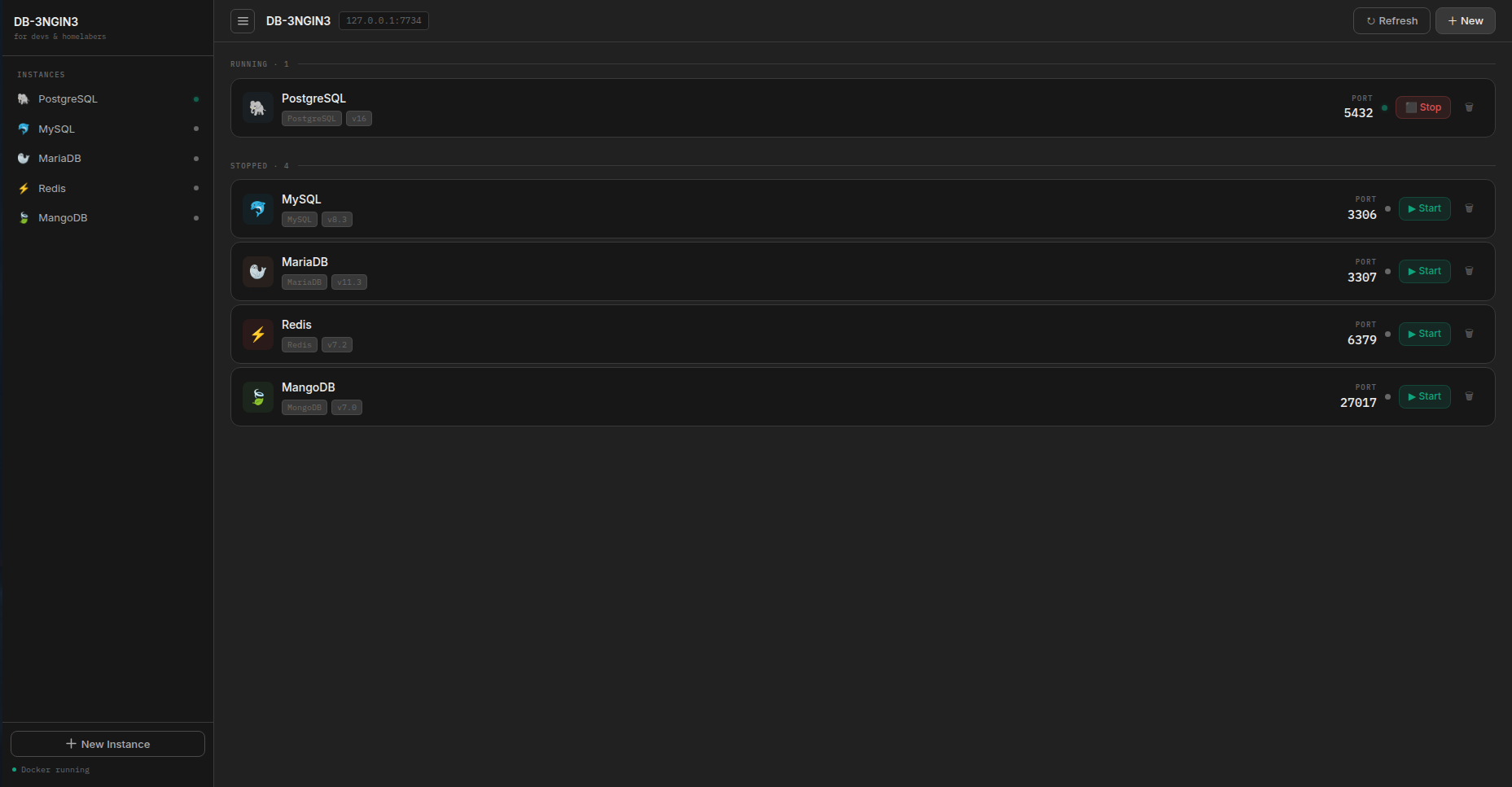
Provision PostgreSQL, MySQL, MariaDB, Redis, or MongoDB in seconds with persistent storage and live status.
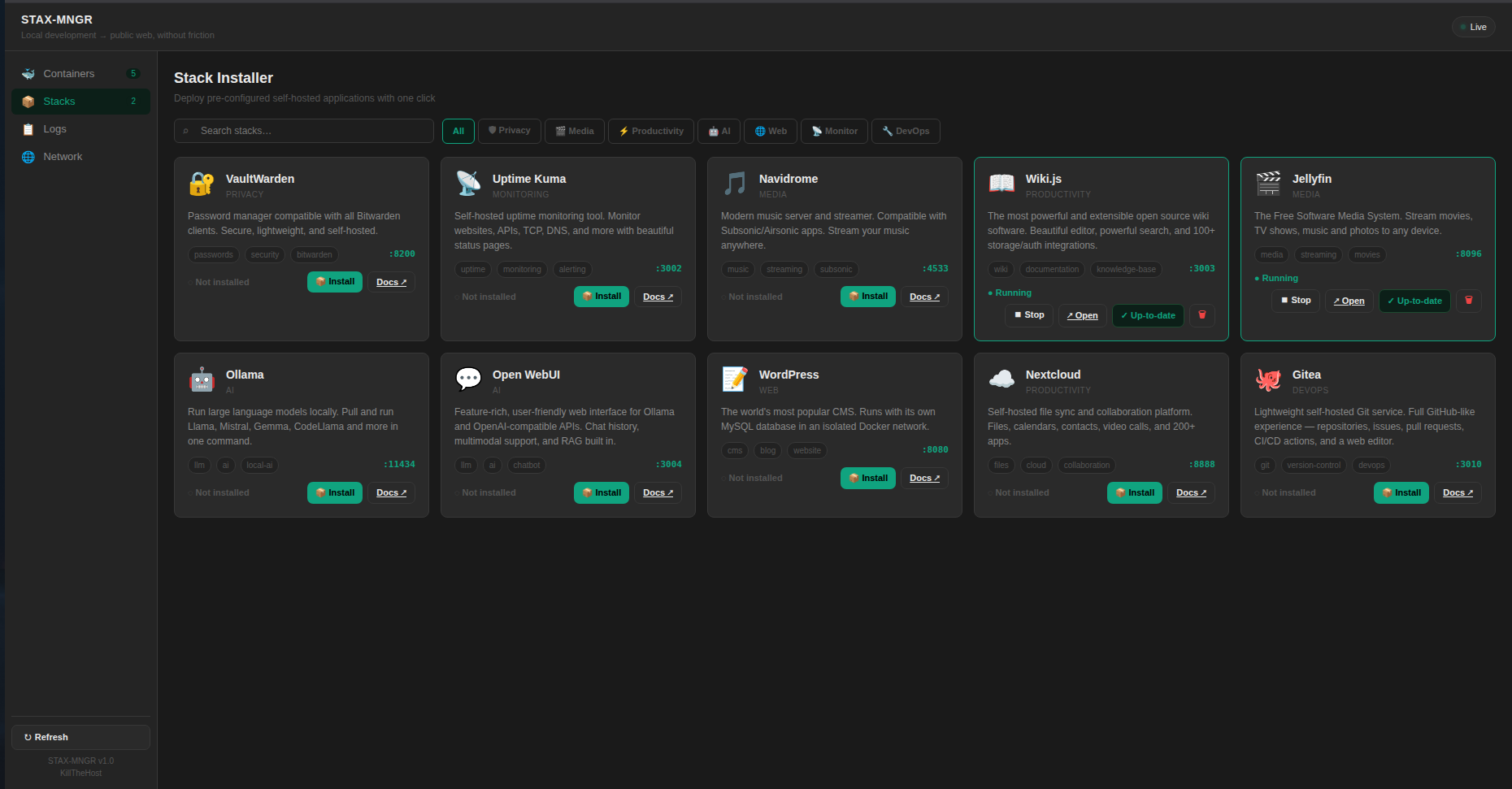
Deploy curated Docker stacks — VaultWarden, Uptime Kuma, Navidrome and more — as easily as clicking a button.
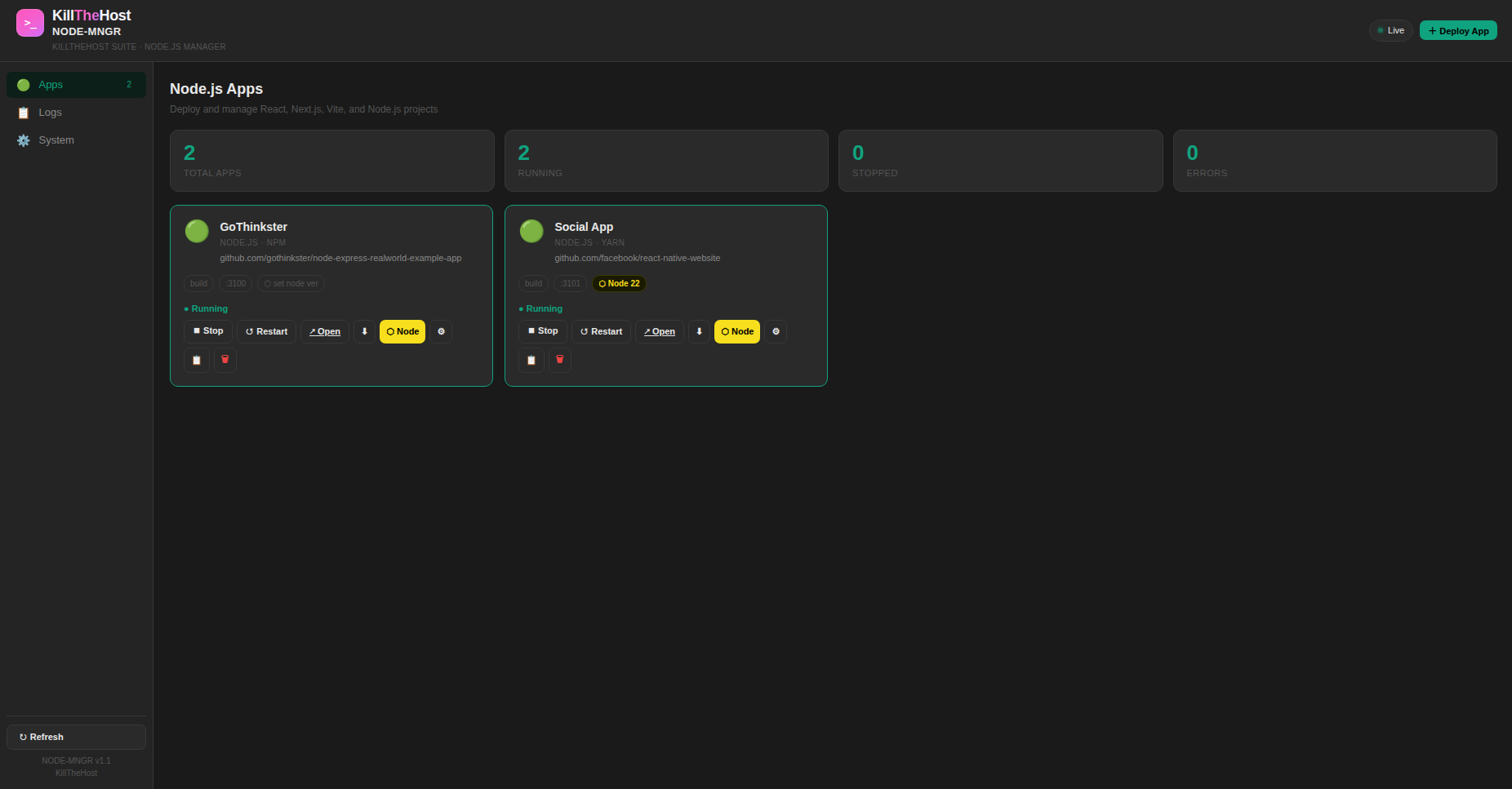
Spinning up a project is as easy as pasting the Git URL, picking a Node.js version, and hitting deploy. Works with React, Next.js, Vite and plain Node.js — with live logs and one-click restarts.
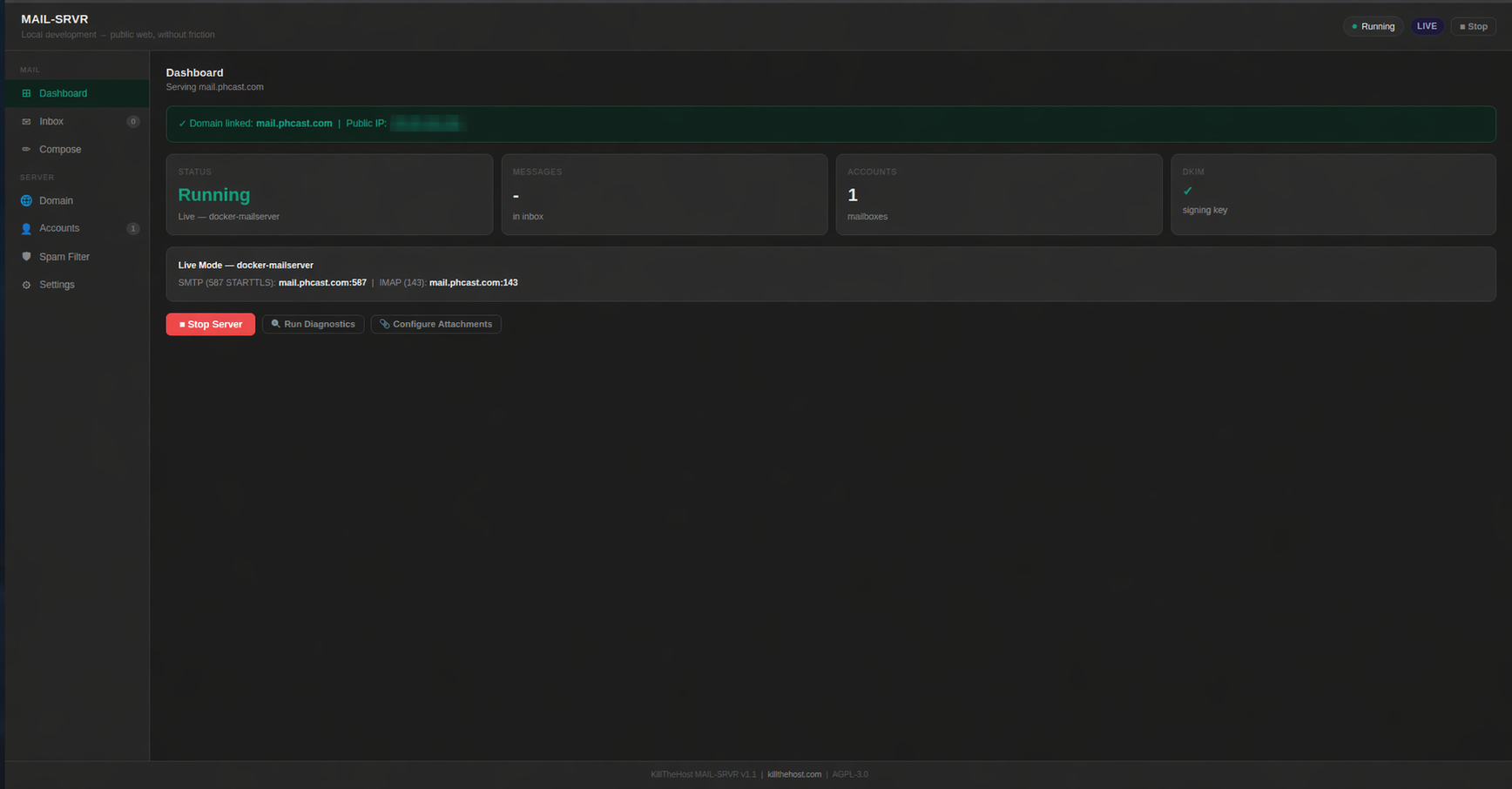
A fully configured mail server with automated DKIM, SPF, and DMARC signing, plus a browser-based webmail client.
Expose your local servers to the public internet securely. No router config, no firewall gymnastics, no public IP required.
Connect your Namecheap account once and KillTheHost manages DNS records automatically every time you deploy.
Connect your GoDaddy account and KillTheHost keeps records in lockstep with every deploy — no manual updates.
Sync A, CNAME, MX and TXT records with your Porkbun domains directly from the KillTheHost control panel.
Push DNS updates to IONOS-registered domains on deploy, with built-in rate-limit handling and audit logs.
Manage zones hosted at Cloudflare — records sync through the same unified Domain Sync pipeline as every other registrar.
No manual port forwarding, no fighting with DNS panels, no bespoke Docker Compose for every new service.
Clone the repo, run the launcher script and KillTheHost spins up Docker, databases, PHP and mail on your machine.
Open the browser dashboard on localhost:5000. Connect Cloudflare & Namecheap, pick your services, point your PHP project at a database.
Hit deploy. A Cloudflare tunnel opens, DNS syncs, TLS is sorted, and your localhost is live on a real domain.
KillTheHost needs only two things: Python 3.8+ and Docker. Clone, run the launcher, and open the control panel in your browser.
Python 3.8 or newer
python --version
Docker engine (Desktop on Mac/Win)
docker --version
Namecheap account (optional, for domain sync)
optional
Cloudflare account (optional, free tier)
optional
Access the control panel
Once the launcher is running, open http://localhost:5000 in your browser.
# 1. Install Docker~$curl -fsSL https://get.docker.com | sh~$sudo usermod -aG docker $USER# 2. Clone KillTheHost~$git clone https://github.com/Official-phdesigns/KillTheHost.git~$cd KillTheHost# 3. Make the launcher executable, then run it~/KillTheHost$chmod +x launch.sh~/KillTheHost$./launch.shRuns with the tools you already know
Clone the repo, run one script, and deploy from localhost to a real domain in minutes. If you like it, a GitHub star helps other devs find it.